
Make an Open Graph image
Design share images for X, LinkedIn, Facebook and Slack in under a minute.
- Free, no sign-up
- Images never leave your browser
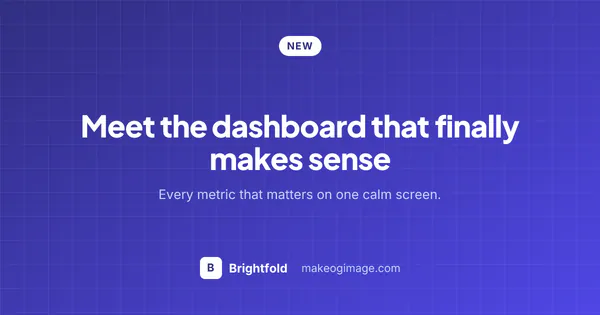
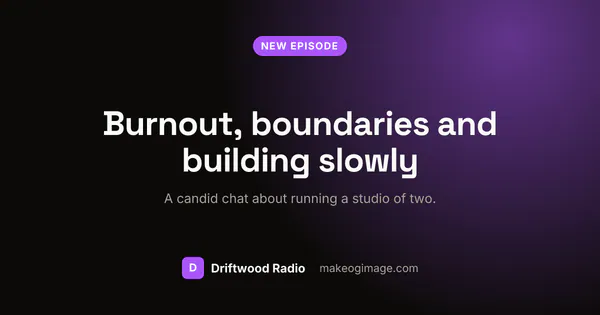
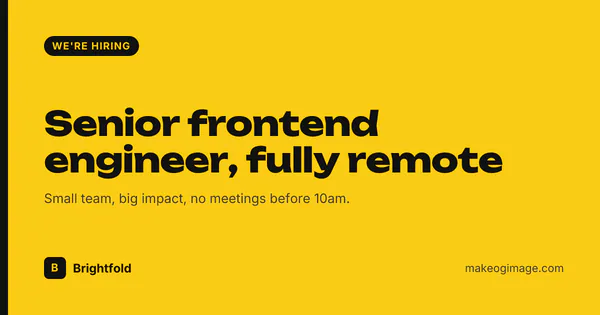
Start from a template
Browse all templates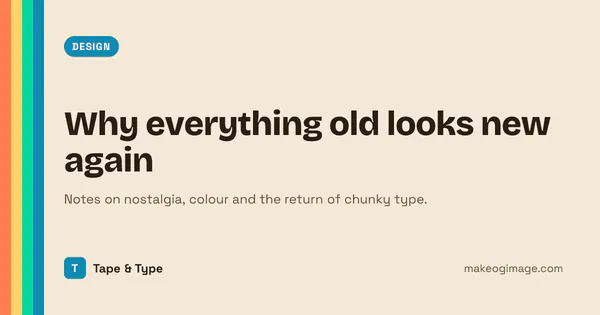
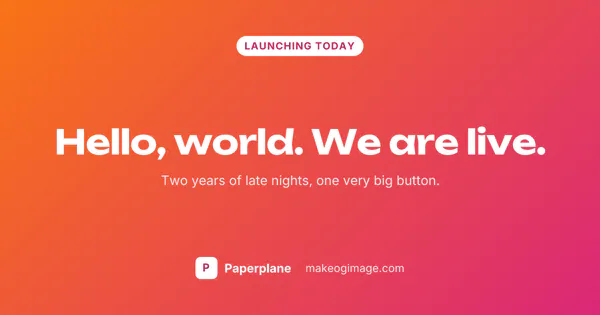
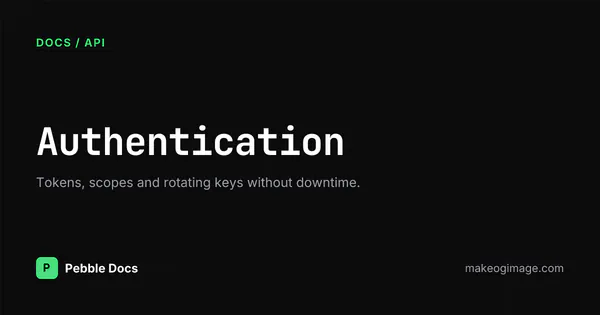
Simple, free and private
Private by design
Everything renders in your browser. Your logo and images are never uploaded anywhere.
Right size for every platform
1200 × 630 by default, with live previews of how X, LinkedIn, Facebook, Slack and Discord show it.
Meta tags included
Copy a ready-made block of meta tags for plain HTML, Astro or Next.js.
How to make an Open Graph image
Pick a starting point
Start from a template, or choose a solid colour, gradient or your own background image.
Add your content
Type a title, description and tag, then add your brand name and logo. Long titles shrink to fit automatically.
Check the previews
Switch between X, LinkedIn, Facebook, Slack and Discord to see how each one crops and displays your image.
Download and add the tags
Download a PNG or JPG, upload it to your site, and paste the copied meta tags into your page's <head>.
Test the live page
Run the URL through the OG checker to confirm every platform picks up the new image.
What is an Open Graph image?
An Open Graph image is the picture that appears when someone shares your link on social media or in a chat app. It is set with the og:imagemeta tag in your page's head.
Without one, platforms show a plain text link or pick a random image from the page. A clear image with a readable title makes your link easier to spot and more likely to be clicked.
Recommended sizes
| Platform | Size (px) | Notes |
|---|---|---|
| 1200 × 630 | 1.91:1. Smaller images may show as a small thumbnail. | |
| 1200 × 627 | 1.91:1. A 1200 × 630 image displays the same. | |
| X (large card) | 1200 × 630 | Needs twitter:card set to summary_large_image. |
| Slack, Discord, WhatsApp | 1200 × 630 | Read og:image directly; keep the file small. |
More detail in the OG image size guide.
Already have an OG image?
See how any URL looks when shared, and what is missing.
Frequently asked questions
Something else? Get in touch.
What size should an Open Graph image be?
Use 1200 × 630 pixels, a 1.91:1 ratio. It displays well on Facebook, LinkedIn, X, Slack, Discord and WhatsApp, and it is the default size in this editor.
Is MakeOGImage.com really free?
Yes. There is no sign-up, no watermark and no limit on downloads.
Are my images or logos uploaded to a server?
No. Images are rendered in your browser and files you add stay on your device. Nothing is stored on our servers.
How do I add an Open Graph image to my website?
Upload the image to your site, then add an og:image meta tag with its full URL to the page's head, along with og:title, og:description and twitter:card. The Copy meta tags button gives you the complete block for HTML, Astro or Next.js.
Should I use PNG or JPG?
PNG keeps text and flat colours sharp, so it suits most designs. JPG gives smaller files for photo backgrounds. Either way, keep the file well under 1 MB; X does not accept images over 5 MB.
Does X (Twitter) use Open Graph tags?
Yes. X falls back to og:title, og:description and og:image when its own twitter tags are missing, but you still need twitter:card set to summary_large_image to get the large image card.
Why does the old image still show when I share my link?
Platforms cache link previews. Ask them to fetch the page again with the Facebook Sharing Debugger or LinkedIn Post Inspector, or give the new image a different filename so the URL changes.
Can I create images for many pages at once?
Yes. The Batch images tool takes a CSV file, a sitemap or a list of titles, applies one design to every row and downloads all the images in a single ZIP file.